Online planner with reminders
Add tasks and tick them off. Nothing is saved.
Add a task or try the sample.
Online planner with reminders
An online planner keeps your tasks, events and reminders in one list, so you can see what is due and when. Vespernote's planner holds all three. Give an item a title, a priority and a due date, set a reminder for the exact time you want, and check it off when it is done. A month calendar shows what is on each day. You can try it here without an account. The planner is included in the Free plan.
Why use Vespernote's online planner?
Tasks, events and reminders in one list
Each item has a title, a description, a priority of low, medium or high and a due date or time. Events also get an end time, and any item can be all-day.
Filter the list to what matters now
Switch between All, Today, Upcoming, Overdue, Open, Done and High priority.
A month calendar with a daily agenda
See the month at a glance, then open a day to read its agenda. The calendar shows the month only, with no day or week view.
Reminders at the exact time you set
Pick the time and the reminder arrives as a notification in the app at that moment. You can turn planner reminders off whenever you like.
How to use the planner in 3 steps
- Step 1
Add a task, event or reminder
Type a title, then pick the priority and the due date.
- Step 2
Check it on the calendar
Open the month view to see the day, or use a filter to see only what is due.
- Step 3
Get the reminder
At the time you set, a notification appears in the app. Mark the item done when you finish it.
Vespernote's planner helps you remember what is due
A to-do list only helps if you look at it. Put a time on the things that cannot slip and the app notifies you at that time, in the same app as your notes and recordings.
- One list for tasks, events and reminders
- A reminder at the exact time you choose
- Works on the web and in the mobile app
- Included in the Free plan
Go beyond the planner: AI summary
Online planner vs paper planner: which do you need?
Each suits different jobs.
| Vespernote planner | Paper planner | |
|---|---|---|
| Reminders | A notification at the exact time you set | Only if you open it and look |
| Where it is | On the web and in the mobile app | Wherever you left it |
| Seeing the month | A month calendar with a daily agenda | A printed grid you fill in |
| Writing and drawing | Typed titles and descriptions | Freehand, with no limits |
Who can use the online planner?
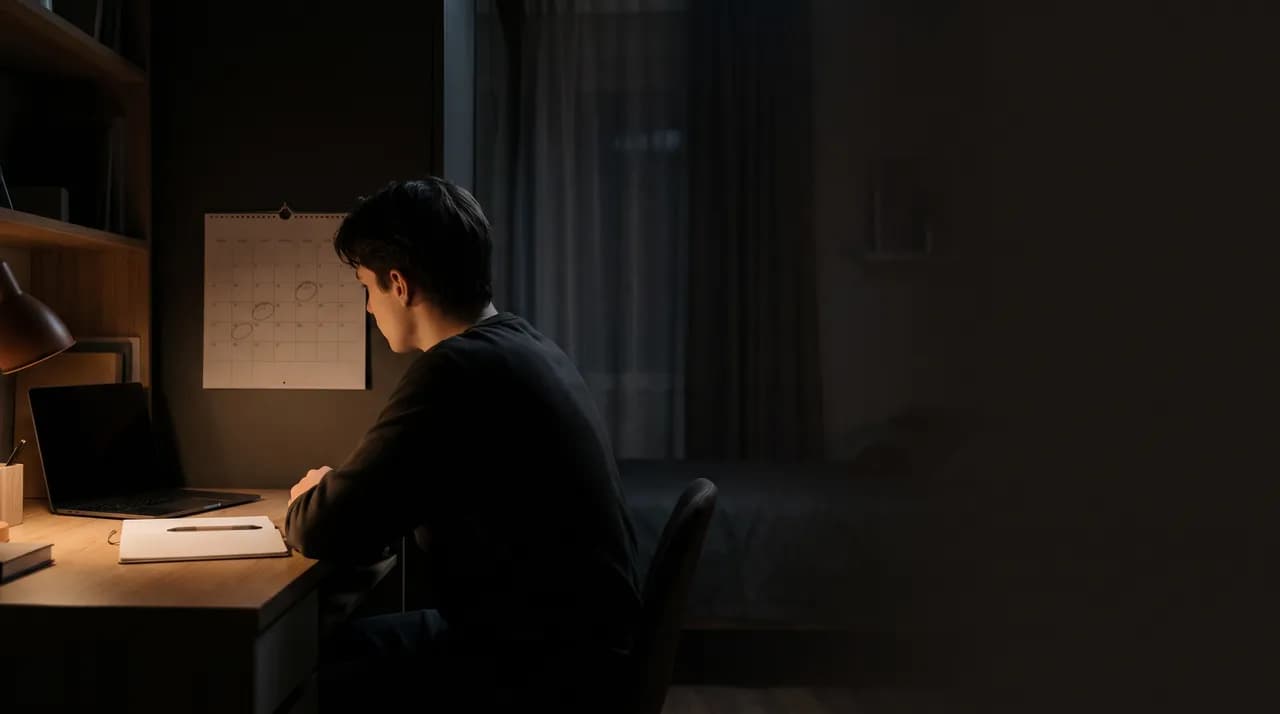
Students
Put every deadline on the calendar and set a reminder the evening before it is due.
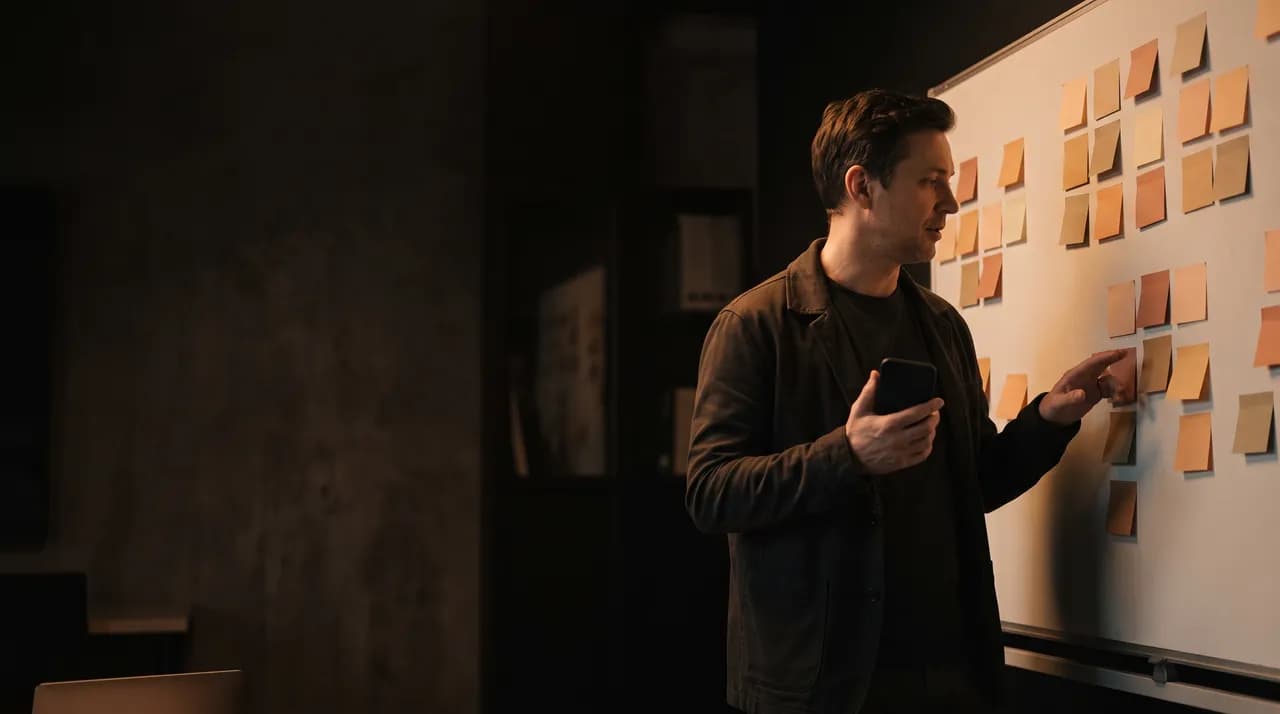
Team leads
Turn the loose ideas from a planning session into tasks with a priority and a date.
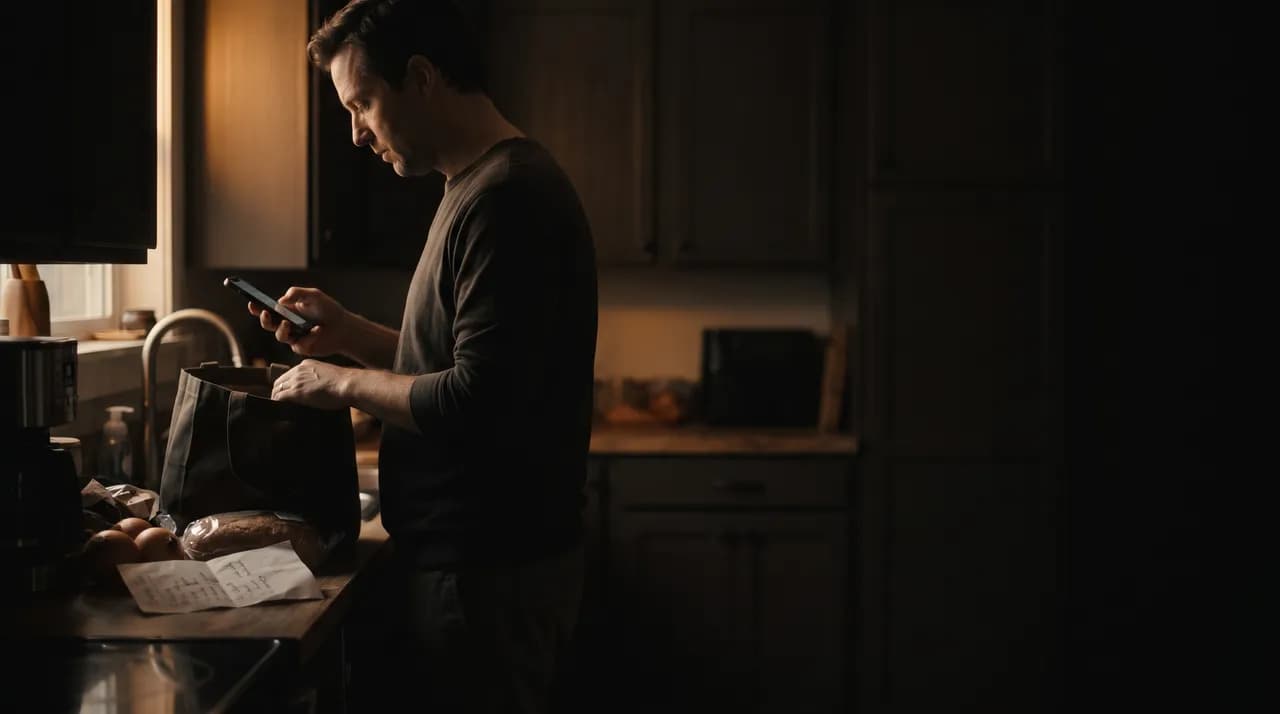
People at home
Keep errands and appointments in one list you can check from your phone in the kitchen.
Do it all with Vespernote
Online planner FAQs
Items, reminders, the calendar and the plan.
What is an online planner?
A planner you use in the browser to keep tasks, events and reminders in one place. Vespernote's planner also has a month calendar and a daily agenda.
Is there a free online planner?
Yes. You can try the planner here without an account, and it is included in the Free plan with no planner limits.
How do I make an online planner?
Open the planner, add an item with a title, a priority and a due date, and it appears in your list. Add more as they come up.
Does the planner have reminders?
Yes. Set an exact time on any item and a notification appears in the app at that time. You can turn planner reminders off.
Can I get email reminders?
No. Reminders arrive as notifications in the app, and they fire at the time you set, not ahead of it.
Is there a daily planner app?
Yes. Vespernote's planner is in the mobile app's side drawer and on the web when you are signed in. Open a day on the calendar to read its agenda.
What is the difference between a task, an event and a reminder?
A task is something to do, an event has a start and an end time, and a reminder is a nudge at one exact time. All three live in the same list.
Can I add action items from a note to the planner?
Yes, in the mobile app. Open the action items AI found in a note and add the ones you want as tasks. This is not available on the web yet.
How do I find what is due today?
Pick the Today filter. Overdue, Upcoming, Open, Done and High priority are there too.
Is an online planner better than paper?
It depends on how you work. A planner app can remind you at a set time, while paper is quick for sketching a week by hand.
Does the calendar have week or day views?
No. The calendar shows one month, and you open a day to see its agenda.